Tsurito RadioTsurıto Radio
  • What it does
  • Tsurito
  • Screens
  • Pro
  • ESEspañol
  • ENEnglish

Radio for iPhone, iPad and Mac

Tsurito RadioTsurıto Radio

Thousands of stations from around the world, live. And Tsurito, the crane, listens with you and tells you what's playing.

Coming together

♪♫♪

ListeningWhat's playing?

What it does

You put the radio on. Tsurito does the rest.

Four simple things, made for listening without the fuss.
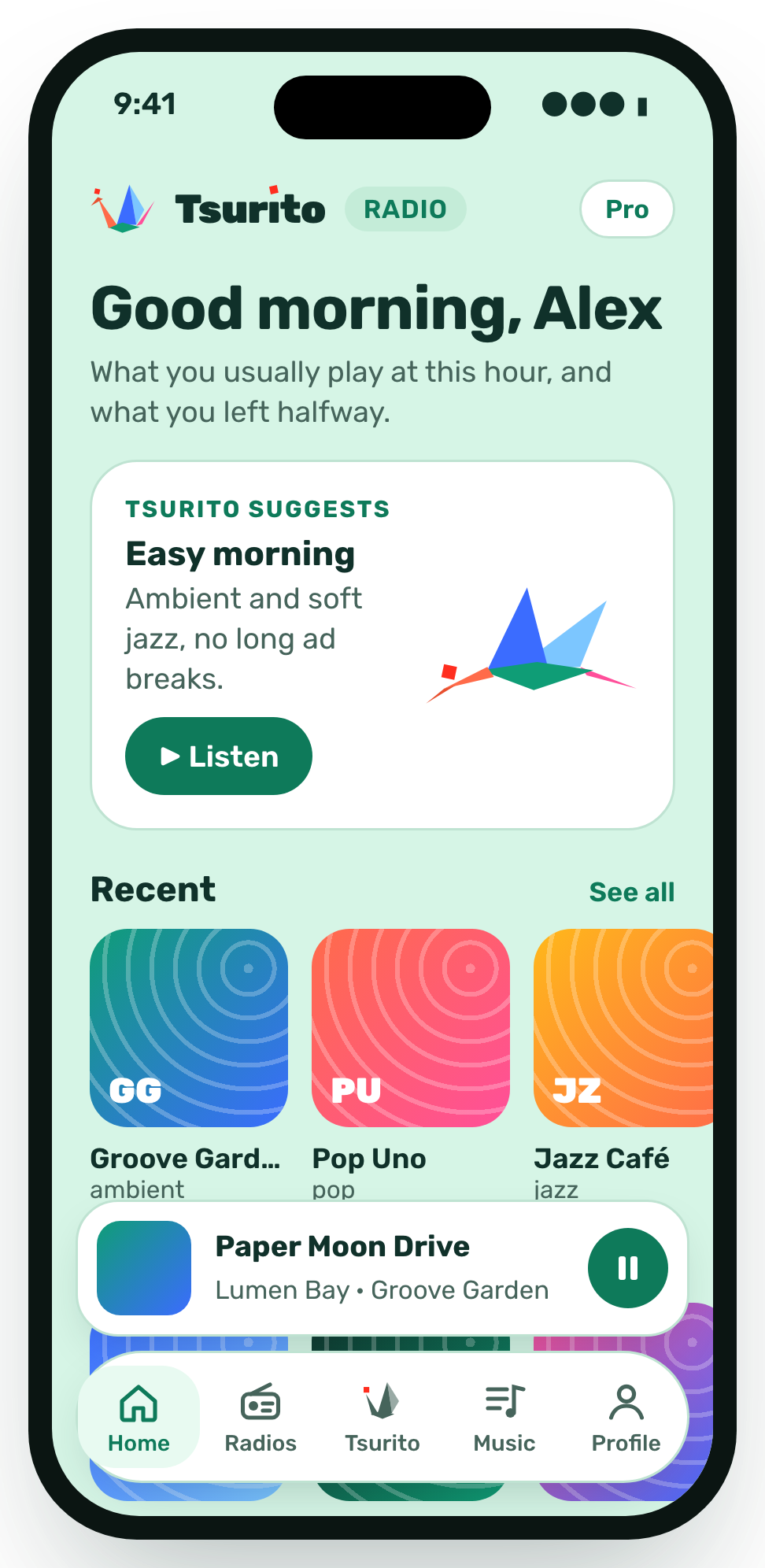
  • The app's home screen with Tsurito's pick for the morning and recent stations.

    Listen to the world

    Thousands of live stations. Find them by style, country or language.
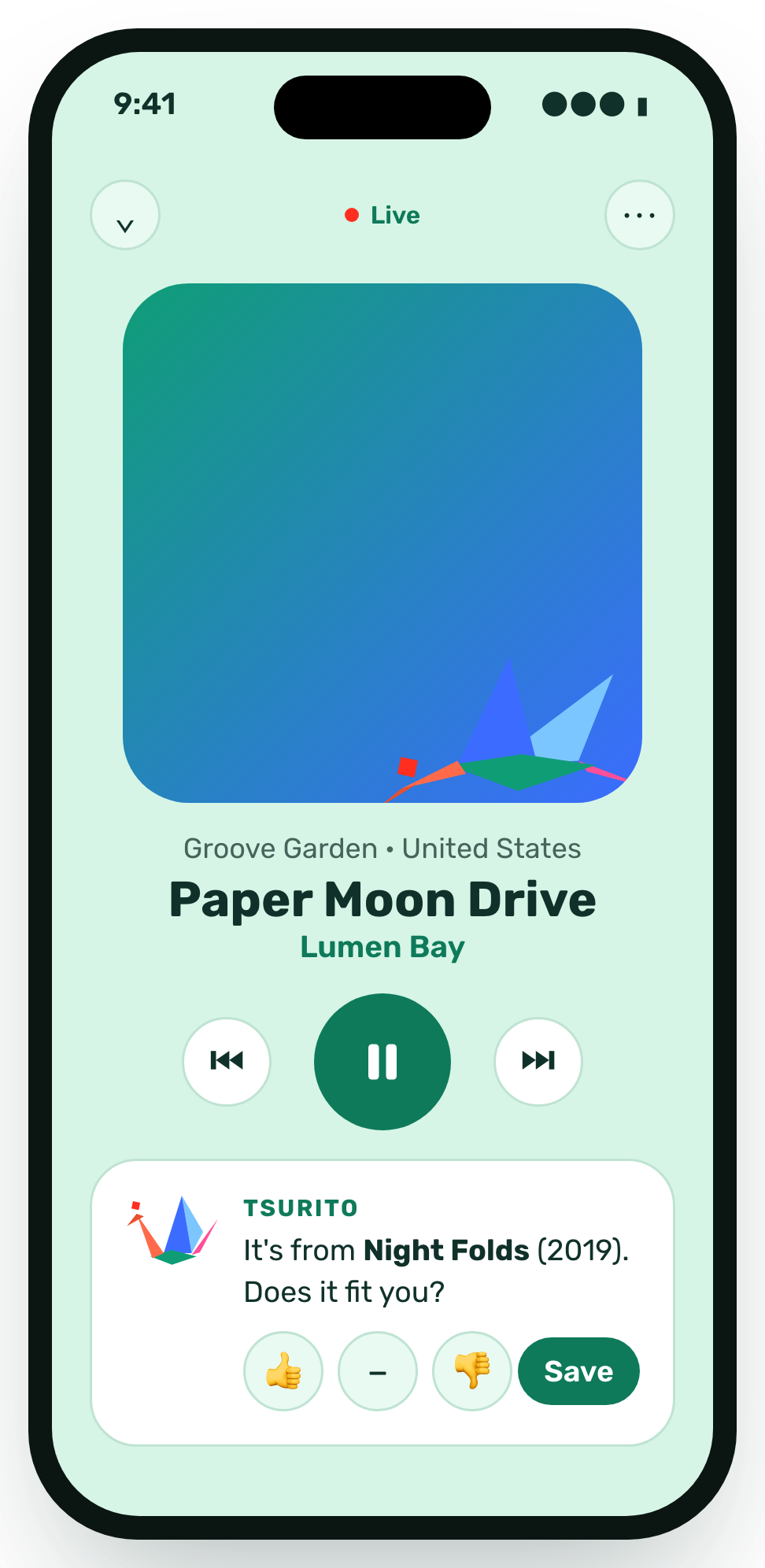
  • The player with the song on air and Tsurito asking whether you like it, with a button to save it.

    Knows what's playing

    Tsurito tells you the song, asks if it's for you and saves it in “My songs”.
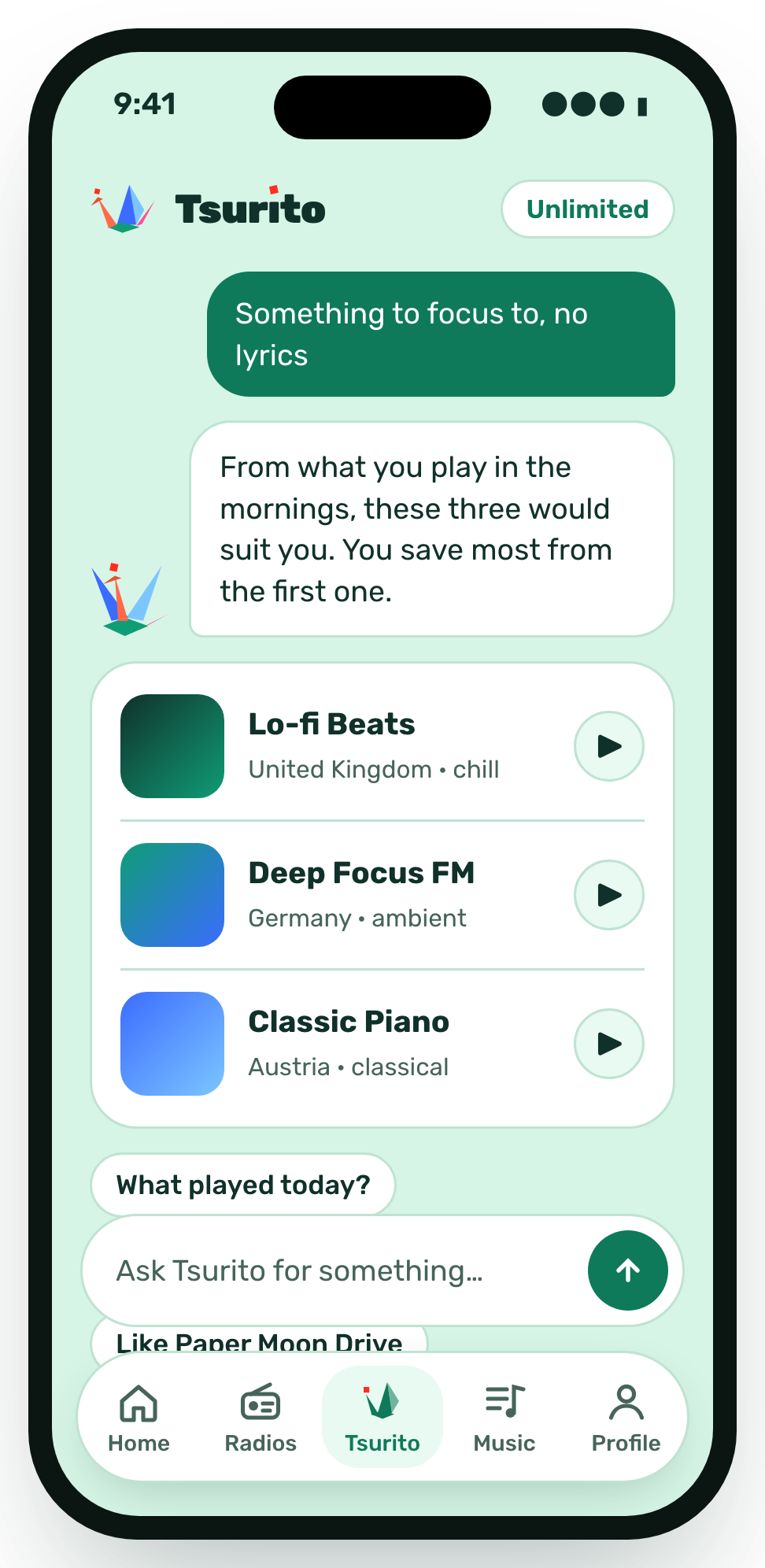
  • A chat with Tsurito: someone asks for something to focus to, no lyrics, and it suggests three stations.

    Ask for music

    Say “something to focus to, no lyrics”. It suggests stations based on what you listen to and the time of day.
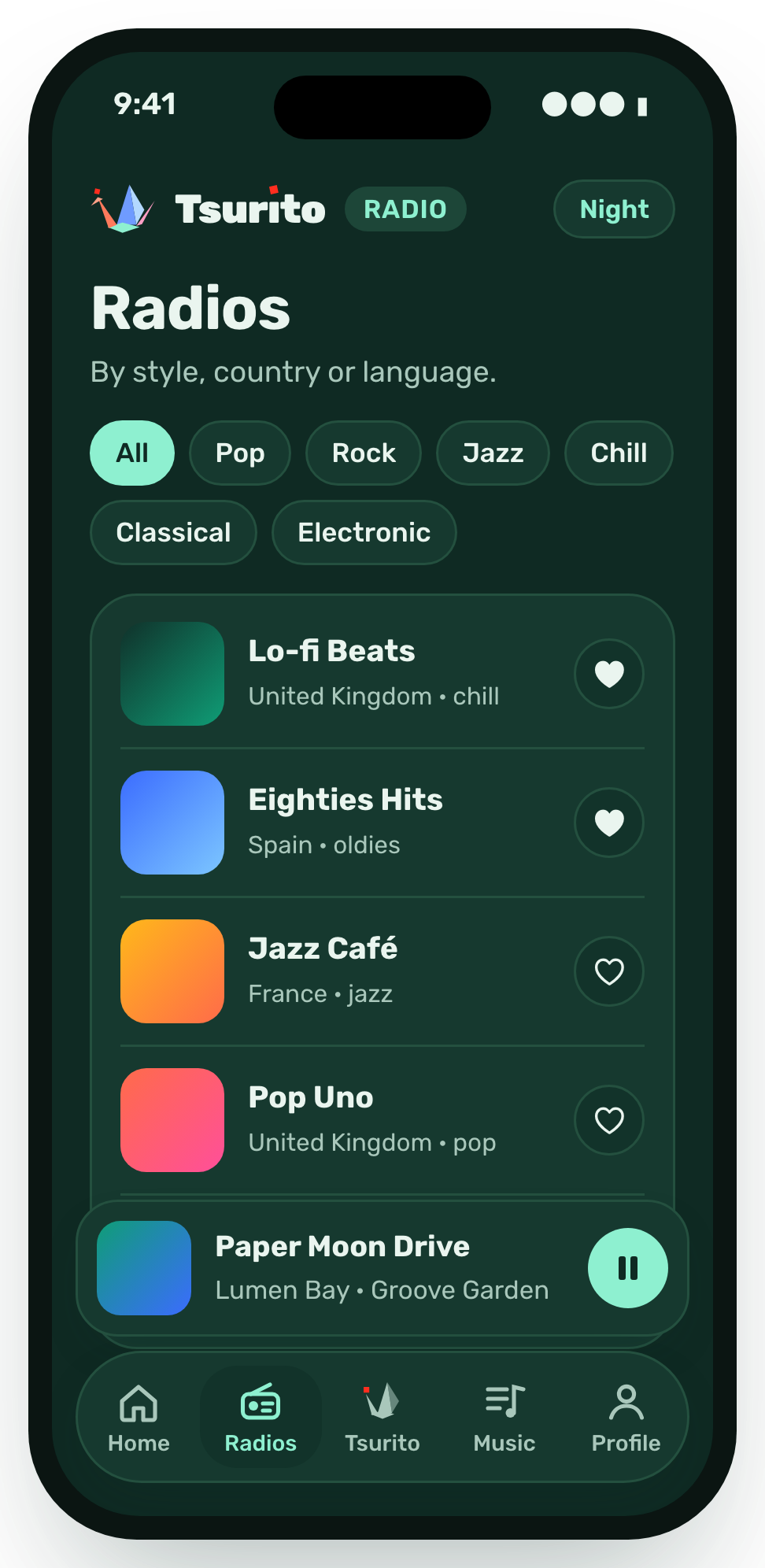
  • The list of stations in dark mode, with style filters and favourites marked.

    Fall asleep to the radio

    Set the sleep timer and the radio switches itself off.

Tsurito keeps you company

A crane that listens with you

Tsurito changes with what's happening on the radio. Press each state to see it.

RestingBreathes and waits.
ListeningNods along to the radio.
What's playing?Flies off to find the song.
Got it!Celebrates the song it found.
Brought you oneArrives with a station for you.
SleepingThe timer has switched the radio off.
♪♫♪zzz

Screens

How it looks

On iPhone, iPad and Mac.
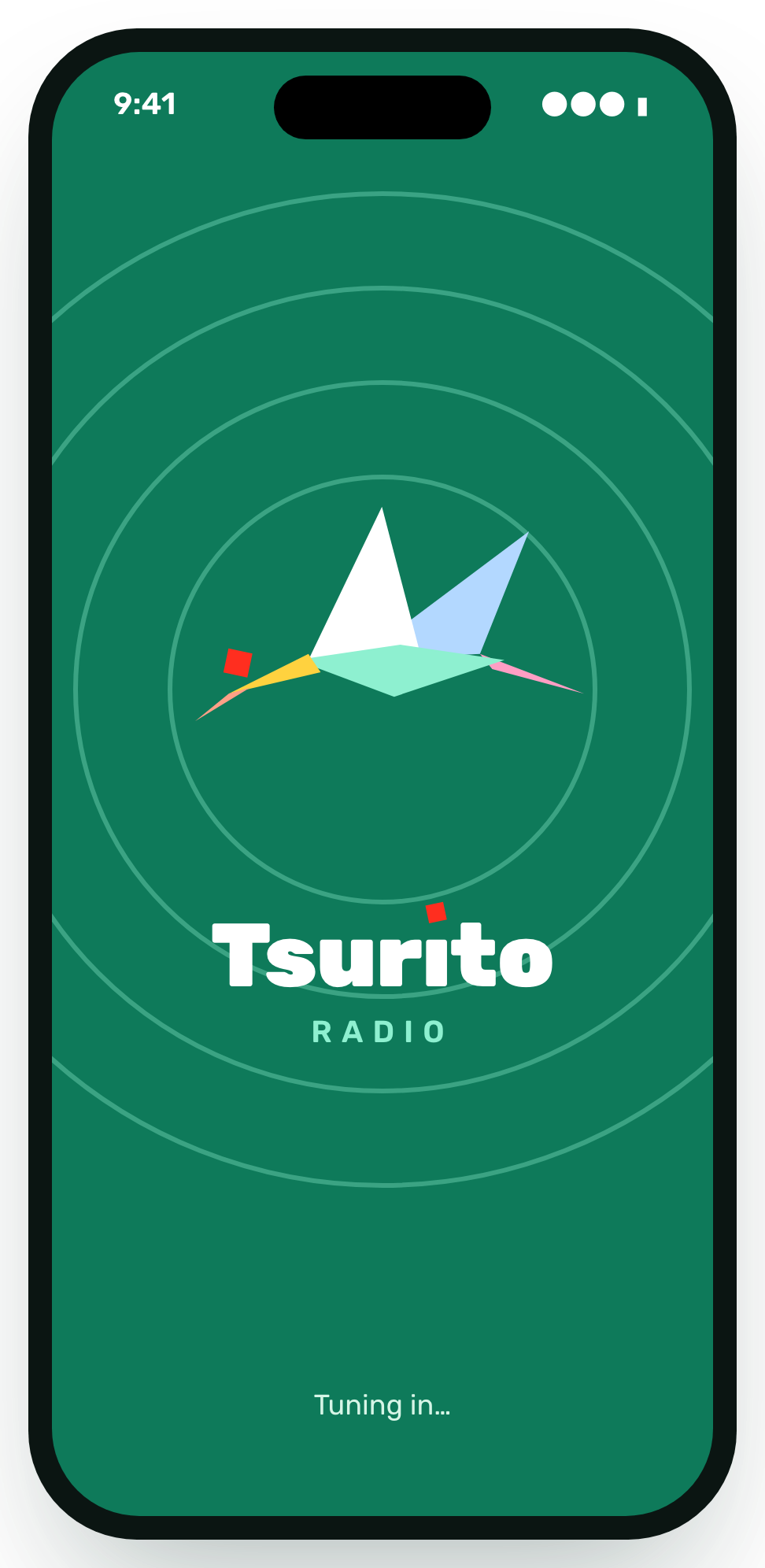
  • Green launch screen with the crane and the name Tsurito Radio.
    Launch
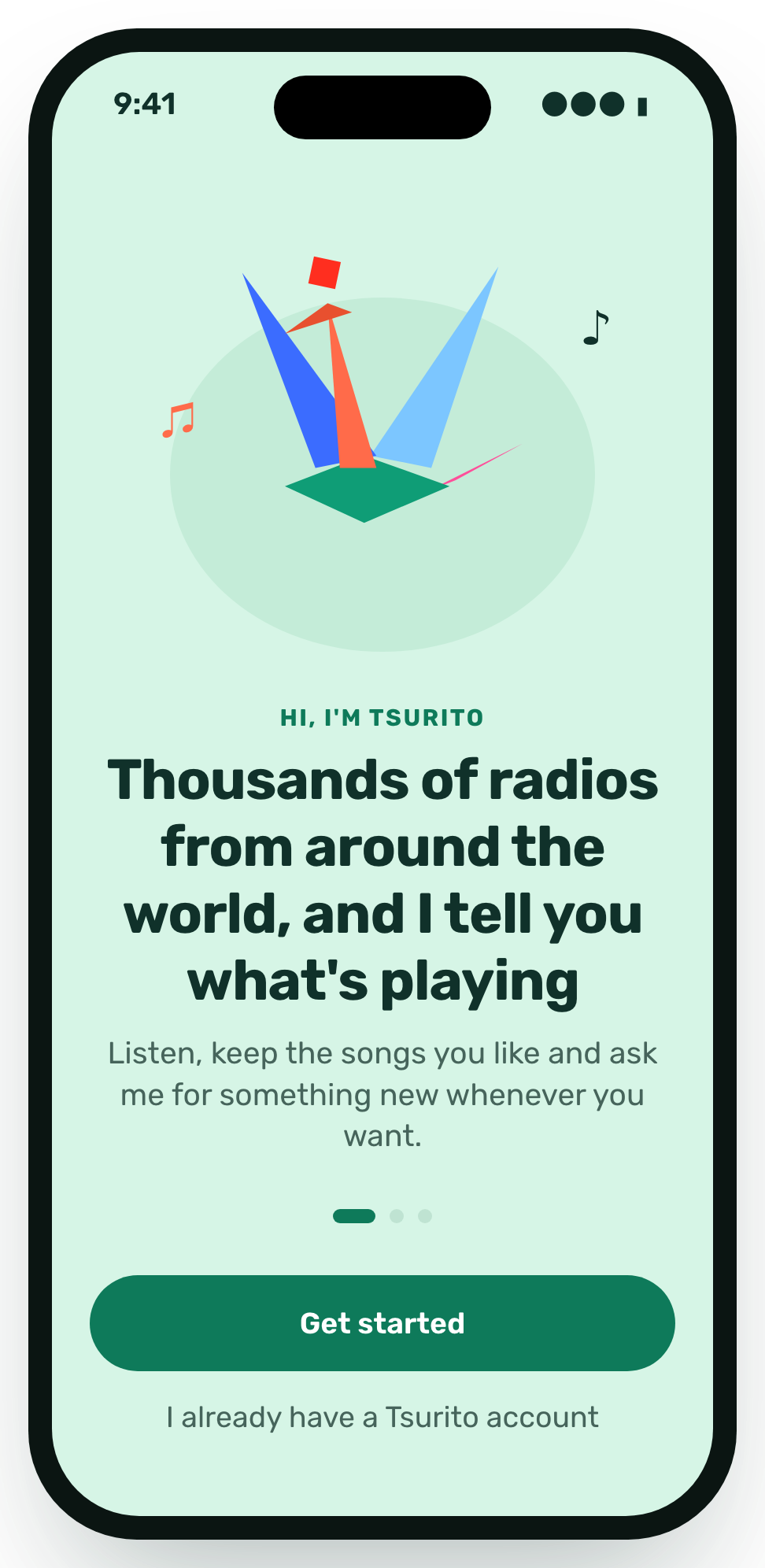
  • Welcome: Tsurito says hello and explains it tells you what's playing on thousands of stations.
    Welcome
  • Home with Tsurito's pick for this time of day and recent stations.
    Home
  • The live player with the song on air and Tsurito's card to save it.
    Player
  • A chat with Tsurito asking for music to focus to.
    Talk to Tsurito
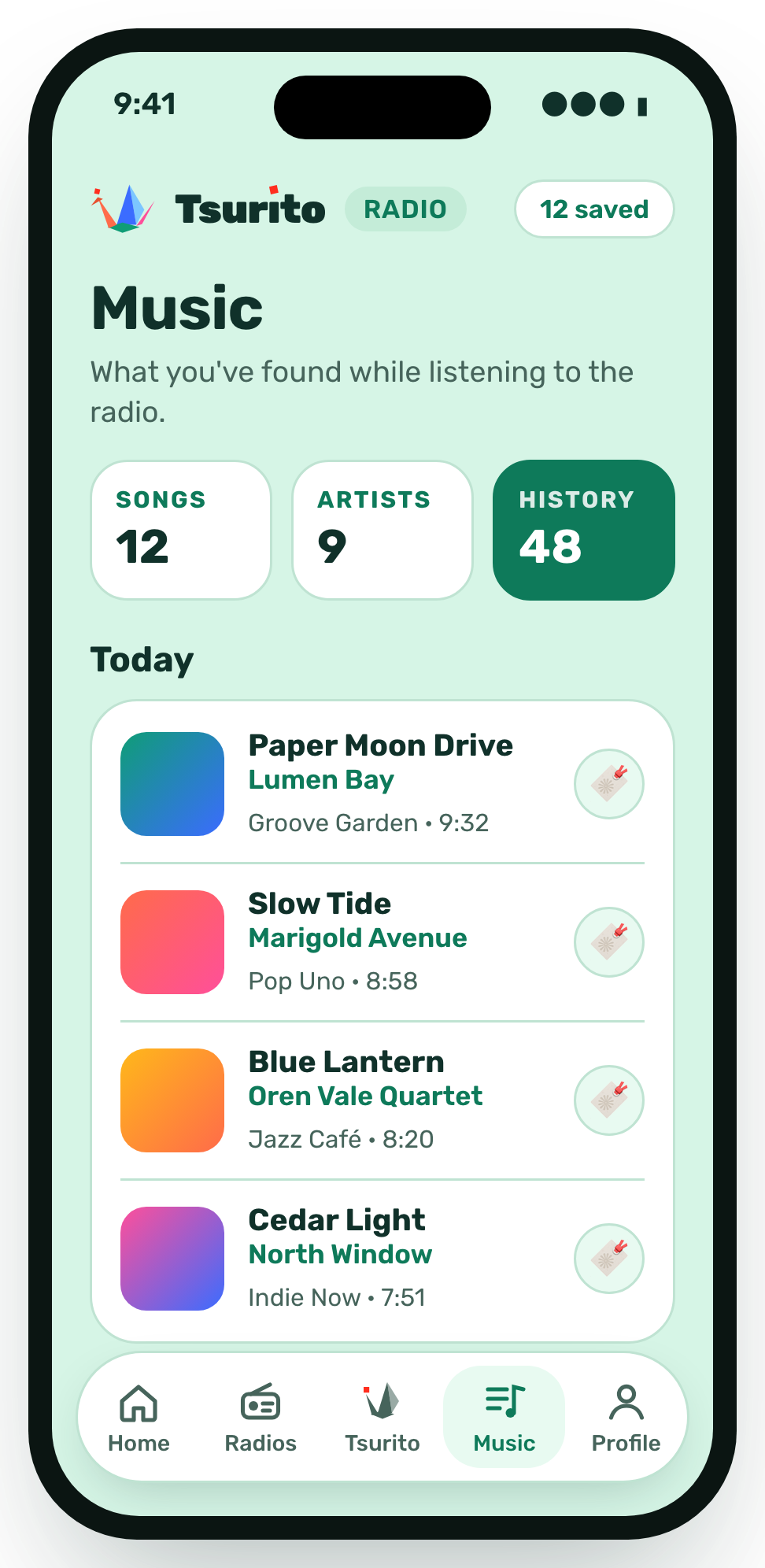
  • My songs: the songs saved today, with their station and time.
    My songs
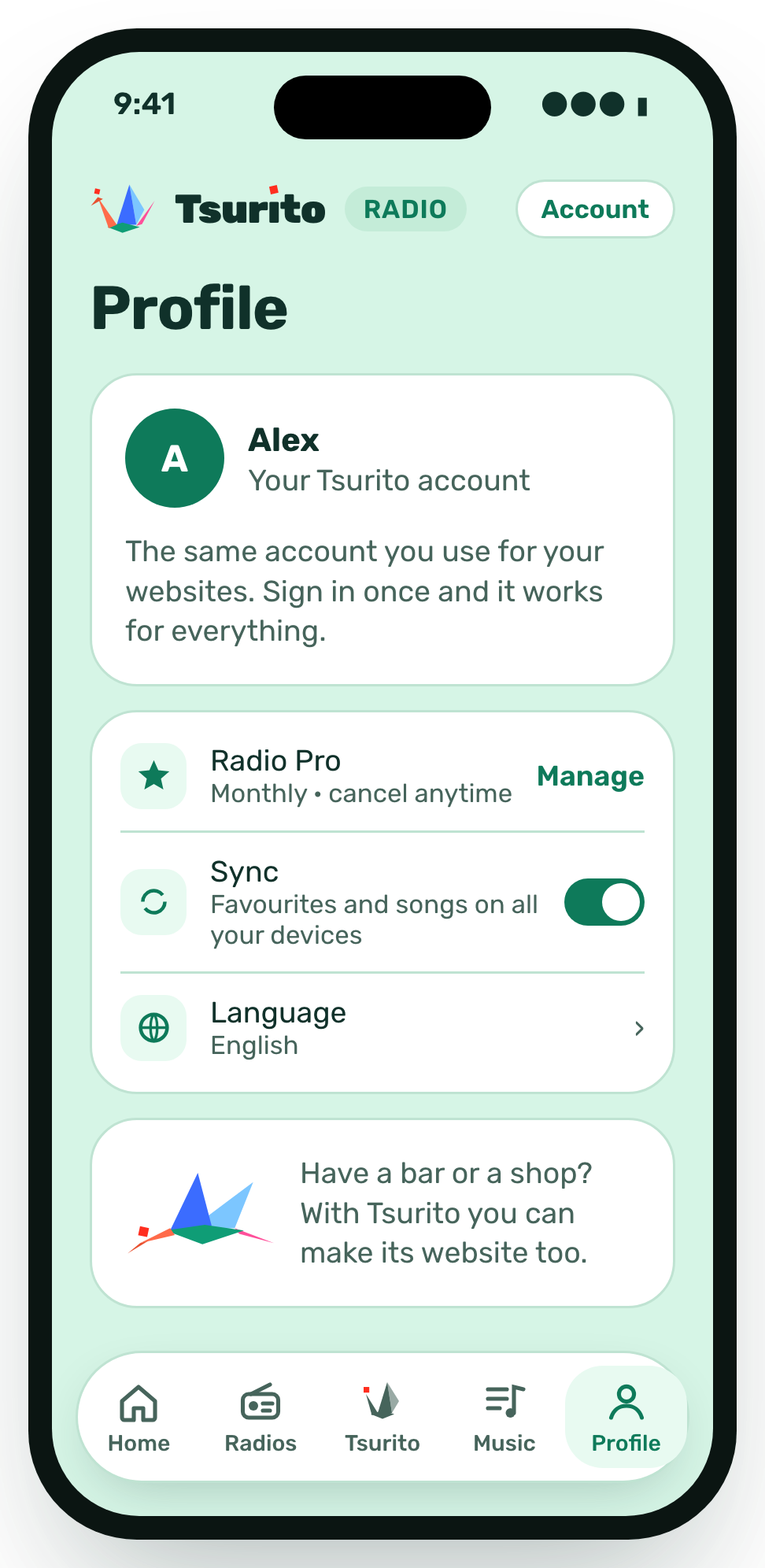
  • Profile with the Tsurito account, the Pro plan and sync.
    Profile
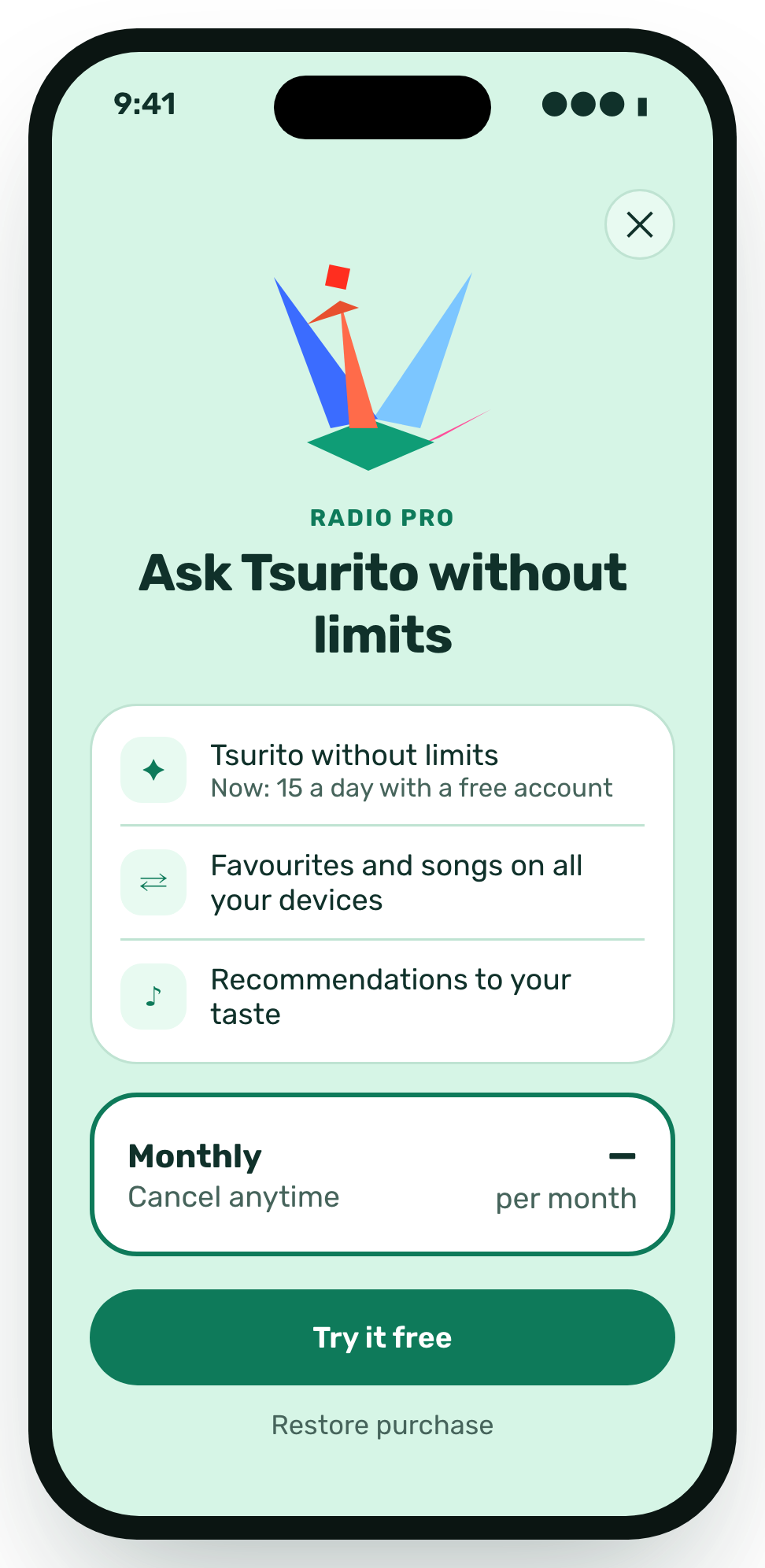
  • The Pro screen with what it includes and the free trial.
    Pro
  • Stations by style in dark mode.
    Stations, at night
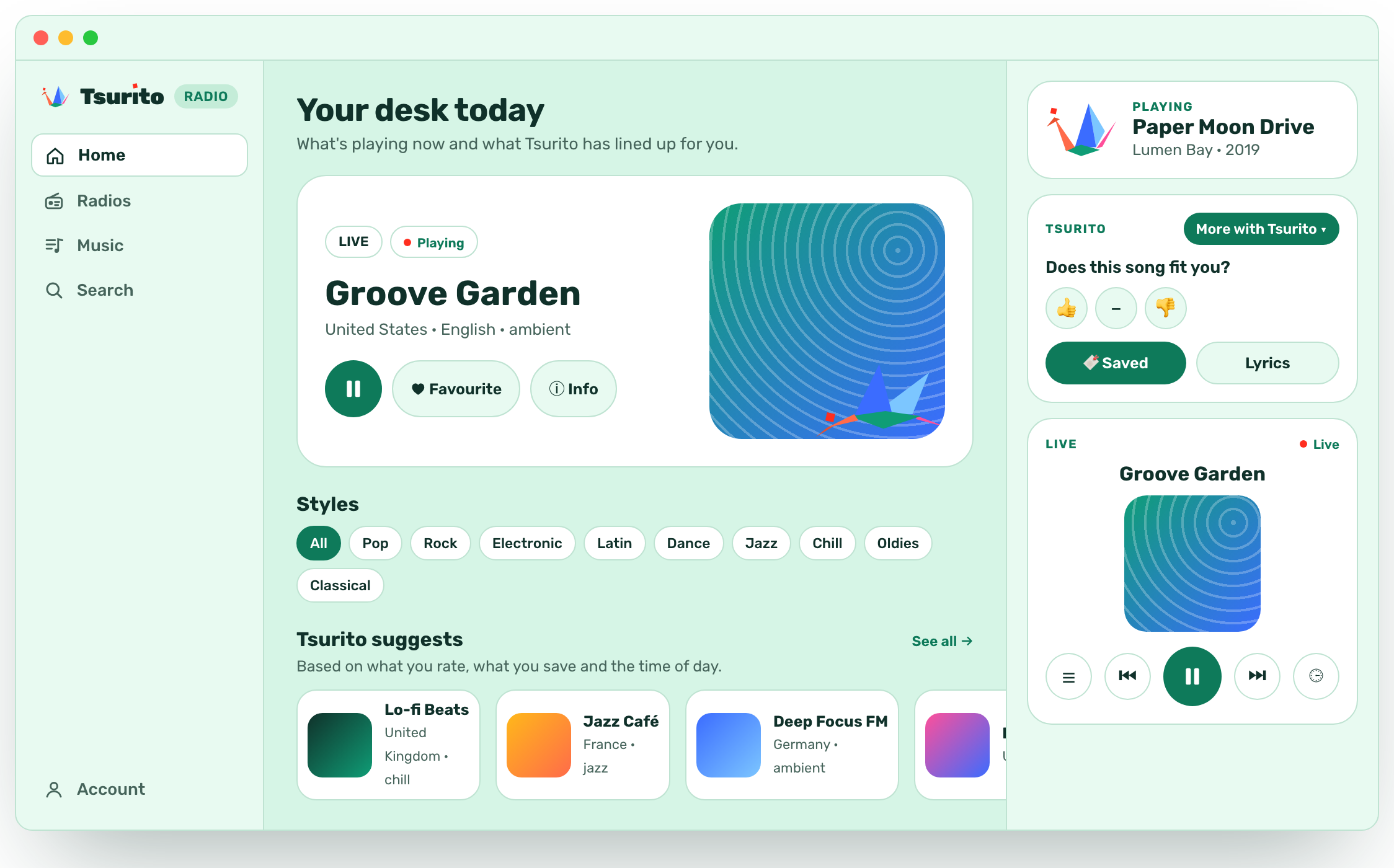
The app on a Mac: the station on air, styles, Tsurito's picks and the player on the right.
On the Mac, everything at a glance.

One account for everything

The same account as your websites

You can listen without an account. Sign in with your Tsurito account, the one you use for your websites, and your things follow you everywhere.

  • Your favourites, with you

    The stations you mark show up on your iPhone, iPad and Mac.

  • Your songs, saved

    What Tsurito saves in “My songs” is on all your devices.

  • Sign in once

    One account for your websites and your radio.

The app's profile with the Tsurito account and the option to sync favourites and songs.

Pro

Ask Tsurito without limits

With Pro, Tsurito never tires and everything of yours stays in sync.

  • Tsurito without limits

    Ask what's playing and ask for music as often as you like.

  • Sync

    Favourites and songs on all your devices.

One plan, monthly, with a free trial. Cancel whenever you like.

The Pro screen with what it includes: Tsurito without limits and favourites on all your devices.

Tsurito Radio, coming together.Tsurıto Radio, coming together.